Stay in creative flow with Grip, the app for Ableton Live
from your couch
at your synths
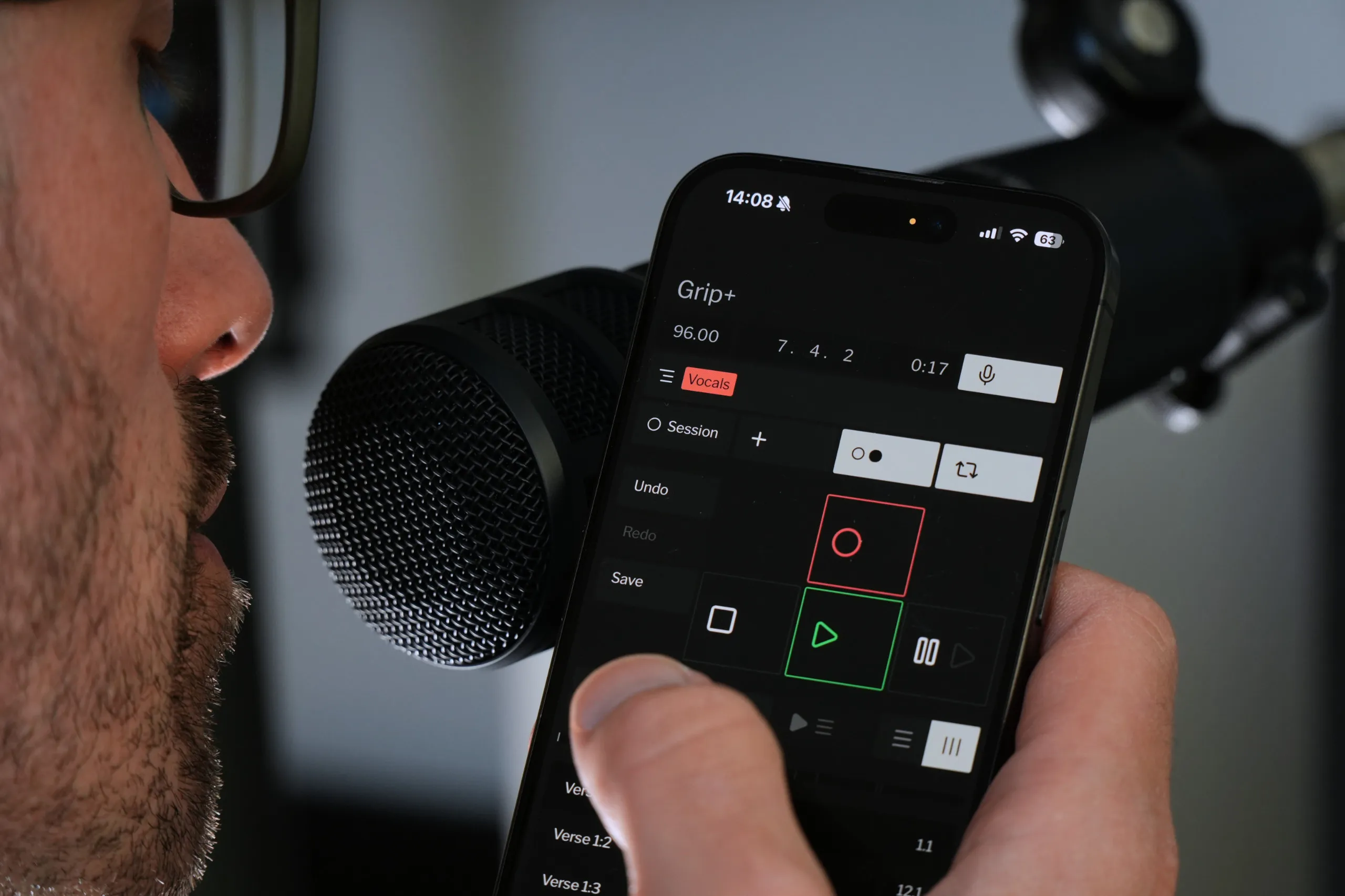
in the vocal booth
for your band
anywhere

Install both apps to use Grip

On phone or tablet

Download on the App StoreGet it on Google Play

On computer with Ableton Live

Control Ableton Live 11 or later from your phone or tablet.

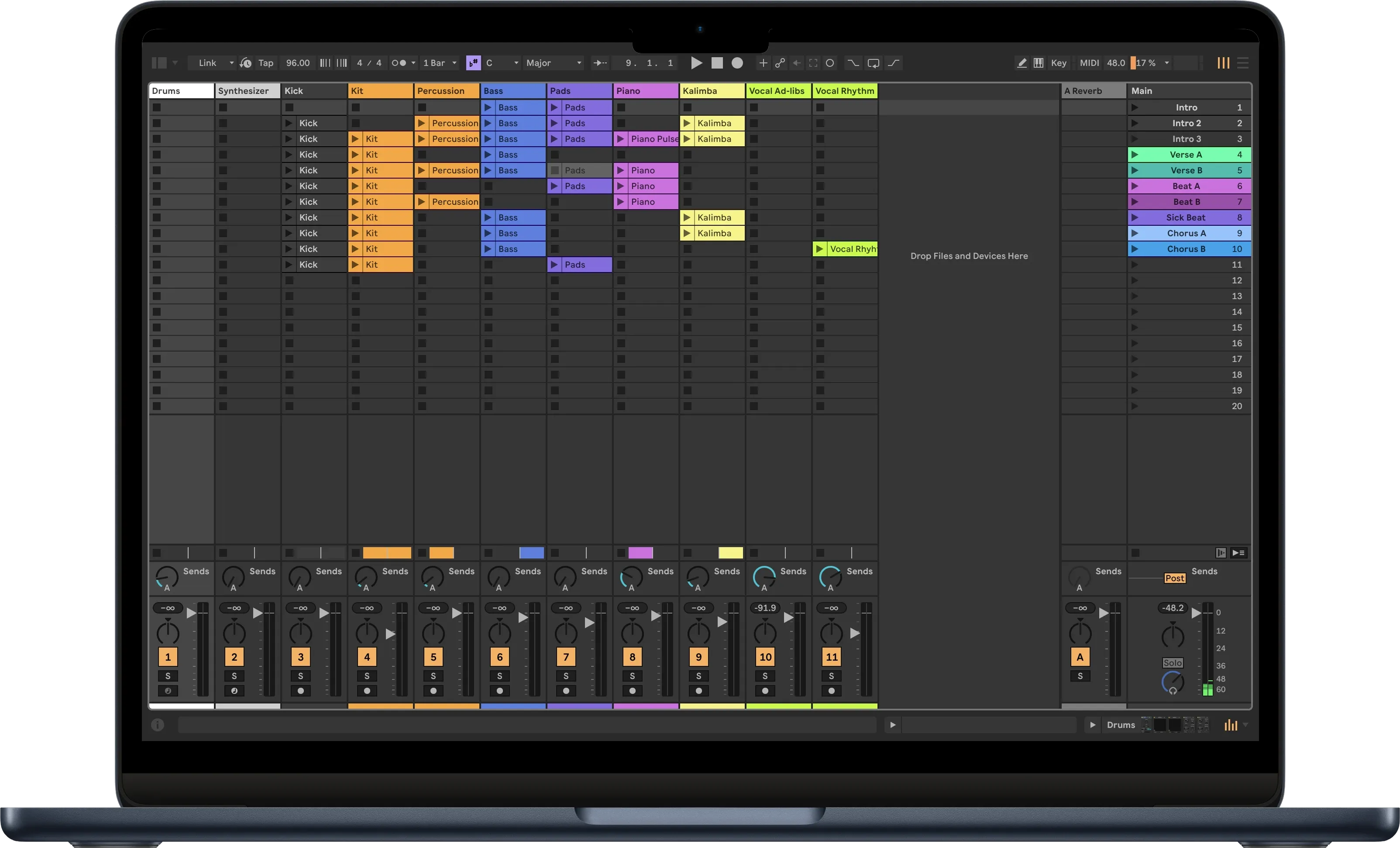
Install the free Grip mobile app, then install Grip Desktop on the computer running Ableton Live.

, iPad, or Install Grip. Free.

Download on the App Store
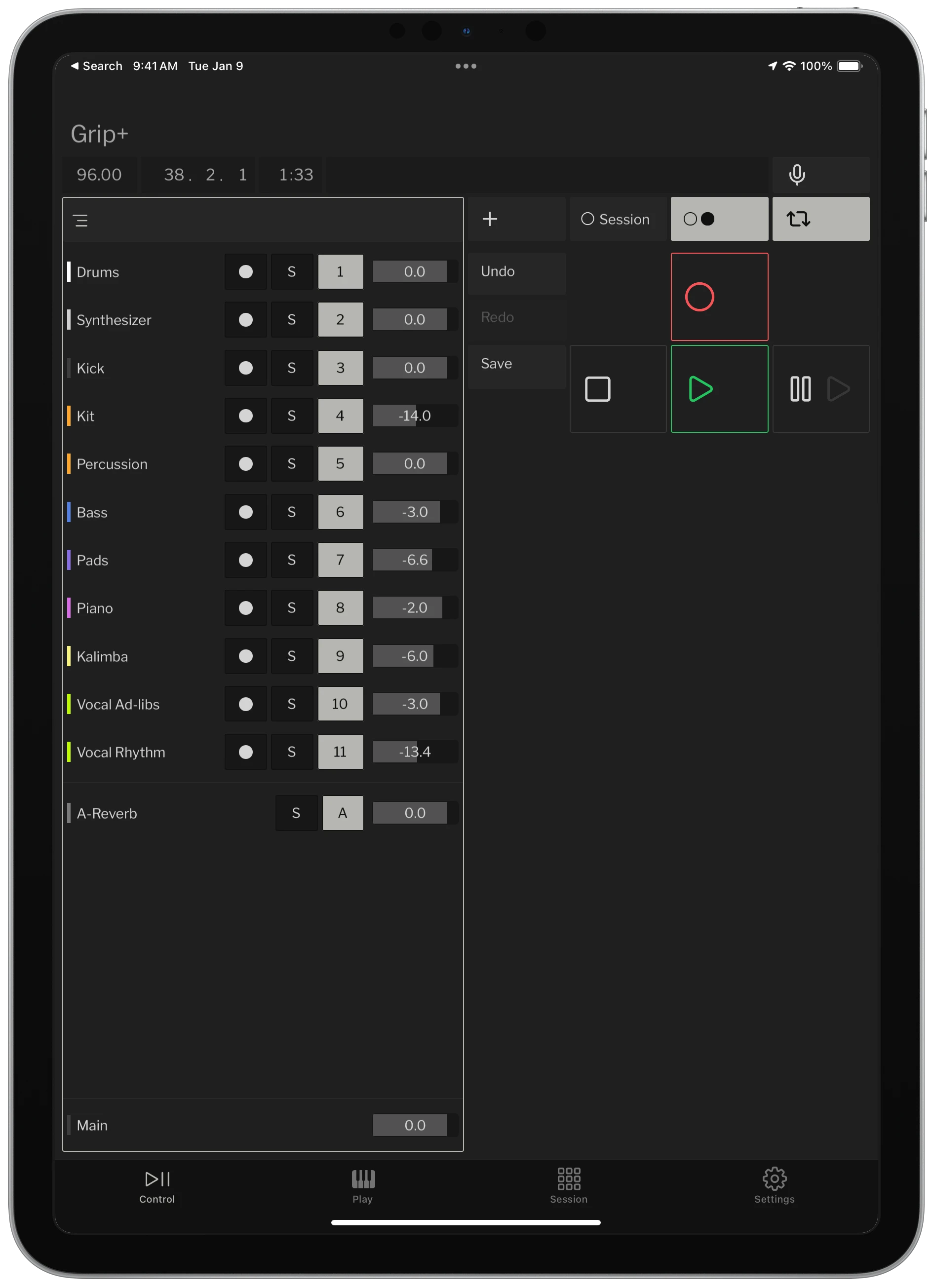
Grip on iPad

Mac or And install Grip Desktop. 7 day free trial, then $15.

Grip companion on Mac

For any studio, bedroom, or battlestation

Grip travels with you in your studio, transforming your phone from a distraction into a useful tool at your mic, desk, or synths.

  • Use your voice to control Live hands-free at your mic, drum kit, or synth
  • Co-producers and bandmates can use Grip on their own phones at the same time
  • Zero configuration, no MIDI mapping
  • Real-time, low-latency responsiveness over Wi-Fi
  • Left-handed and right-handed modes so your thumb's in the right place
Download Grip
Singer using Grip

A powerful companion for solo musicians

Everything you need to control and record. Hands on your instrument, voice on Live controls.

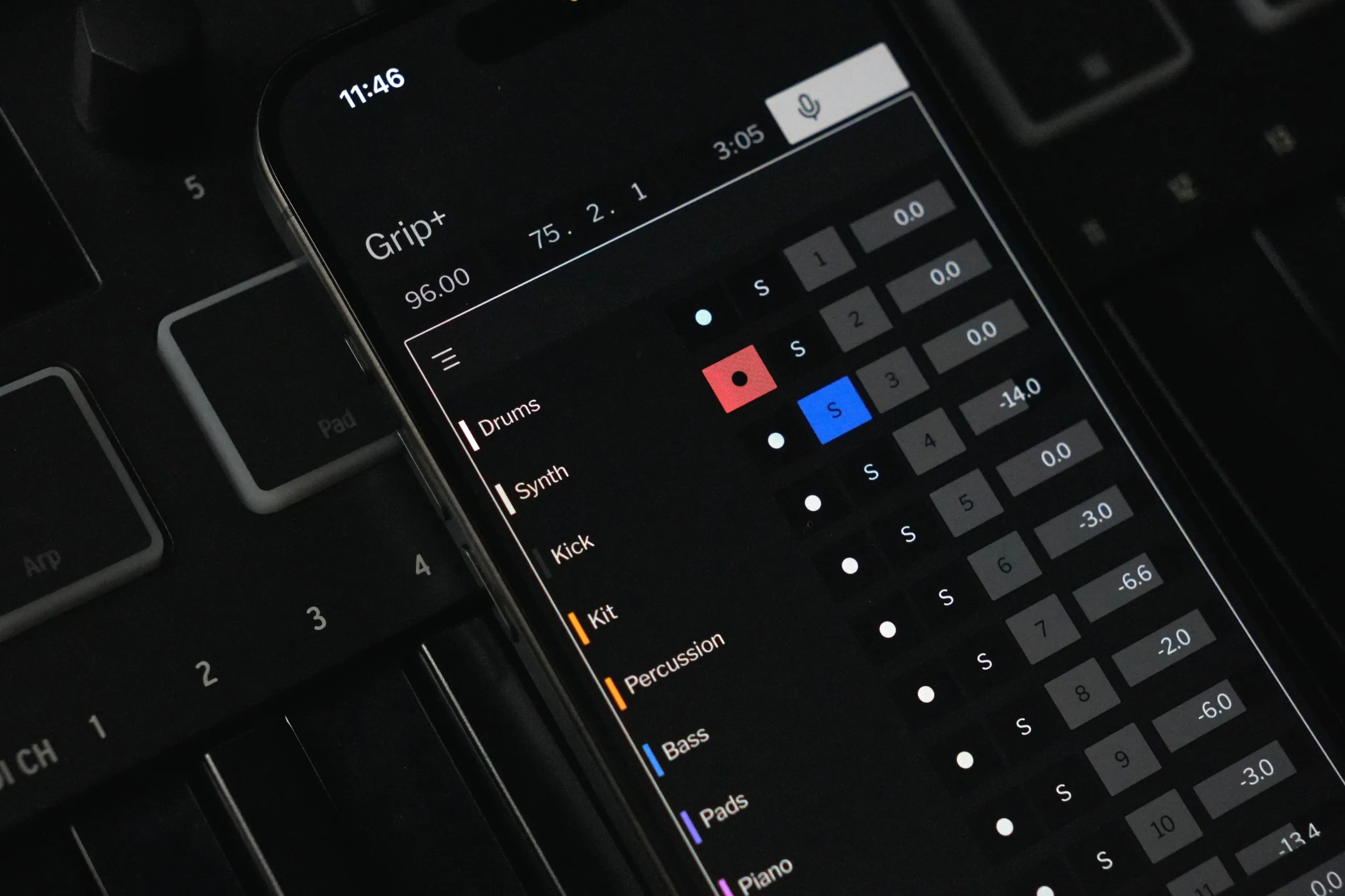
  • Arm, solo, mute, and change the volume of your tracks
  • Control recording, overdub, loop, and metronome anywhere—no more running to the computer to press record
  • Navigate your set in arrangement and session view
  • Undo, redo, and even save your work directly from your phone
Download Grip
Musician at a synth using Grip

Buy once, no subscription. $15.

Try Grip free for 7 days.

How does purchasing work?

Buy Grip Desktop for the computer running Ableton Live, then connect the free Grip app for iOS or Android. You and your friends can connect multiple phones and tablets to the same computer—one purchase unlocks them all.

Why buy Grip?

Grip is independent software, made by one person. Your purchase supports continued development and helps me make Grip better for Ableton Live users like you.

What happens after 7 days?

Grip switches to limited functionality. Buy Grip Desktop to unlock the full experience on every phone and tablet connected to your computer.

All the control, none of the distraction

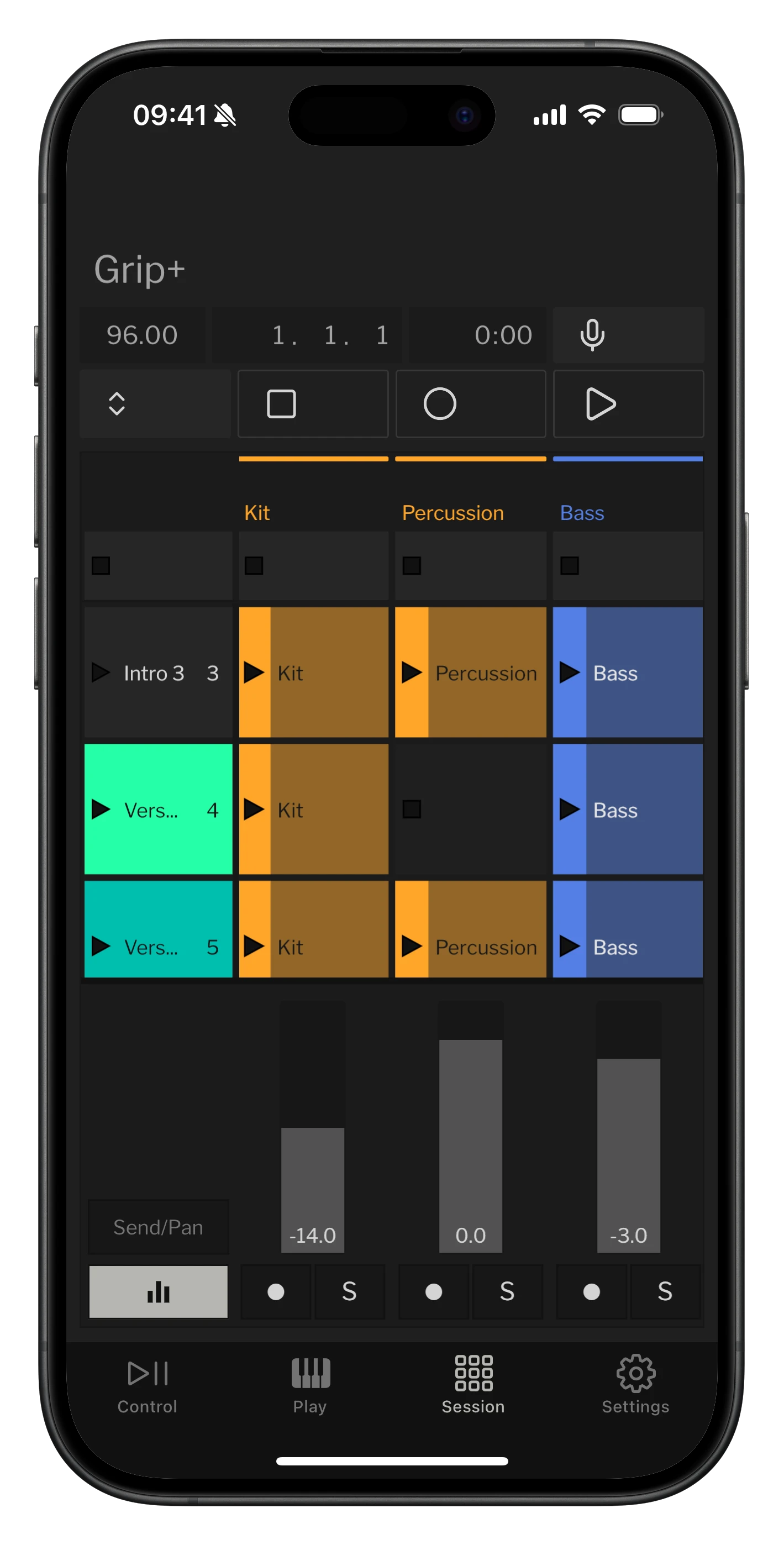
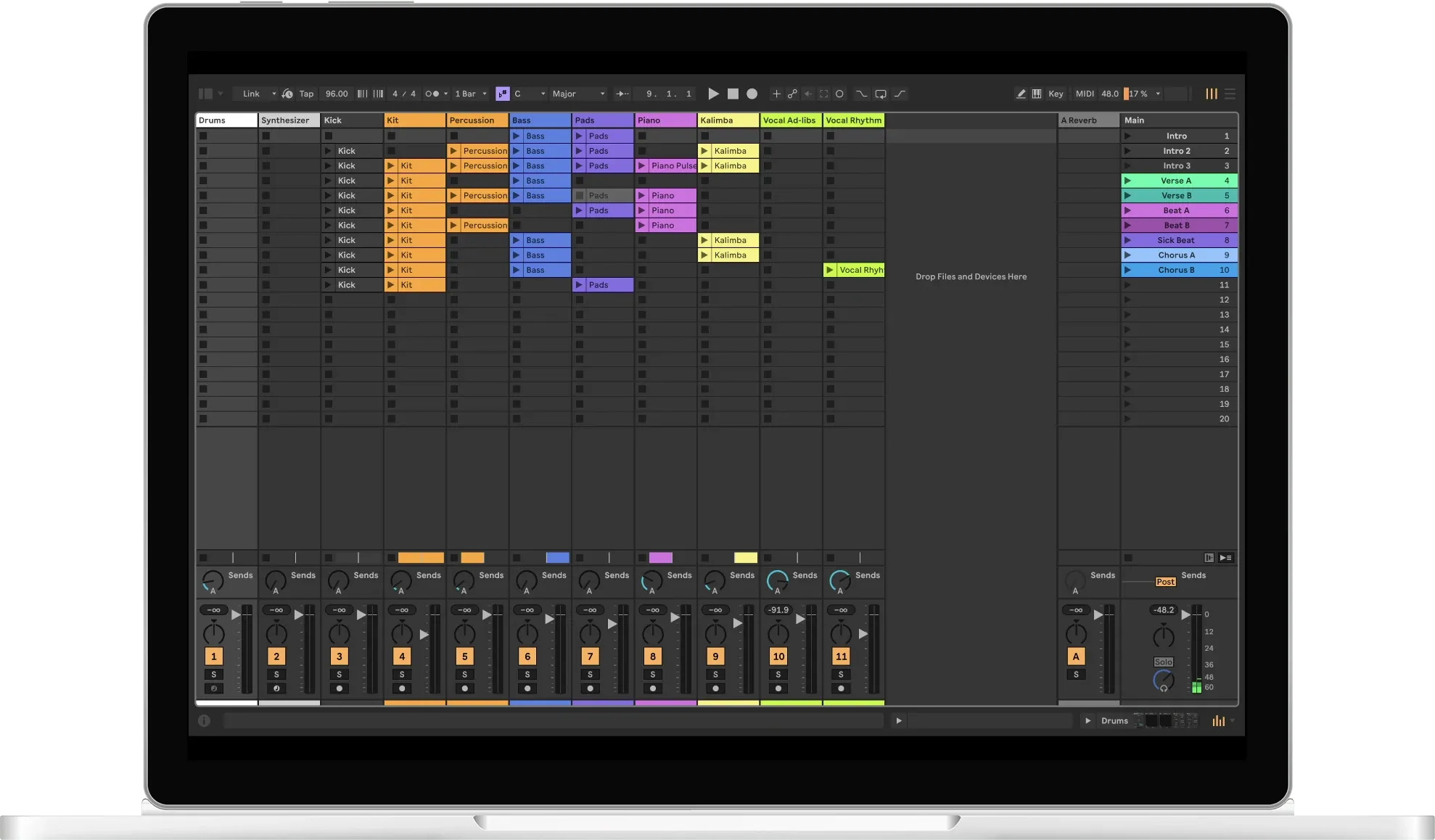
Launch scenes and control Ableton Live playback and recording, without touching your keyboard or mouse.

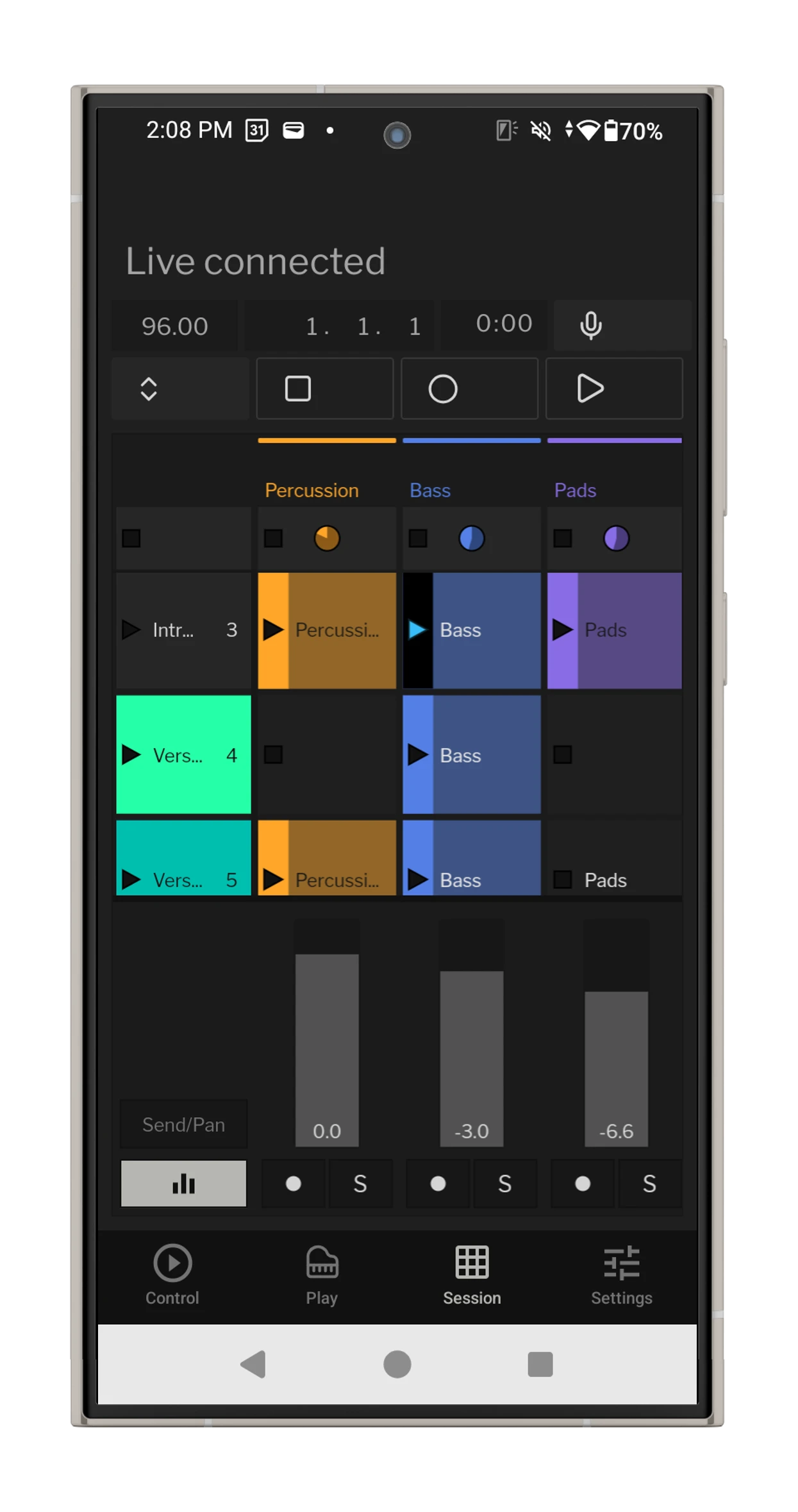
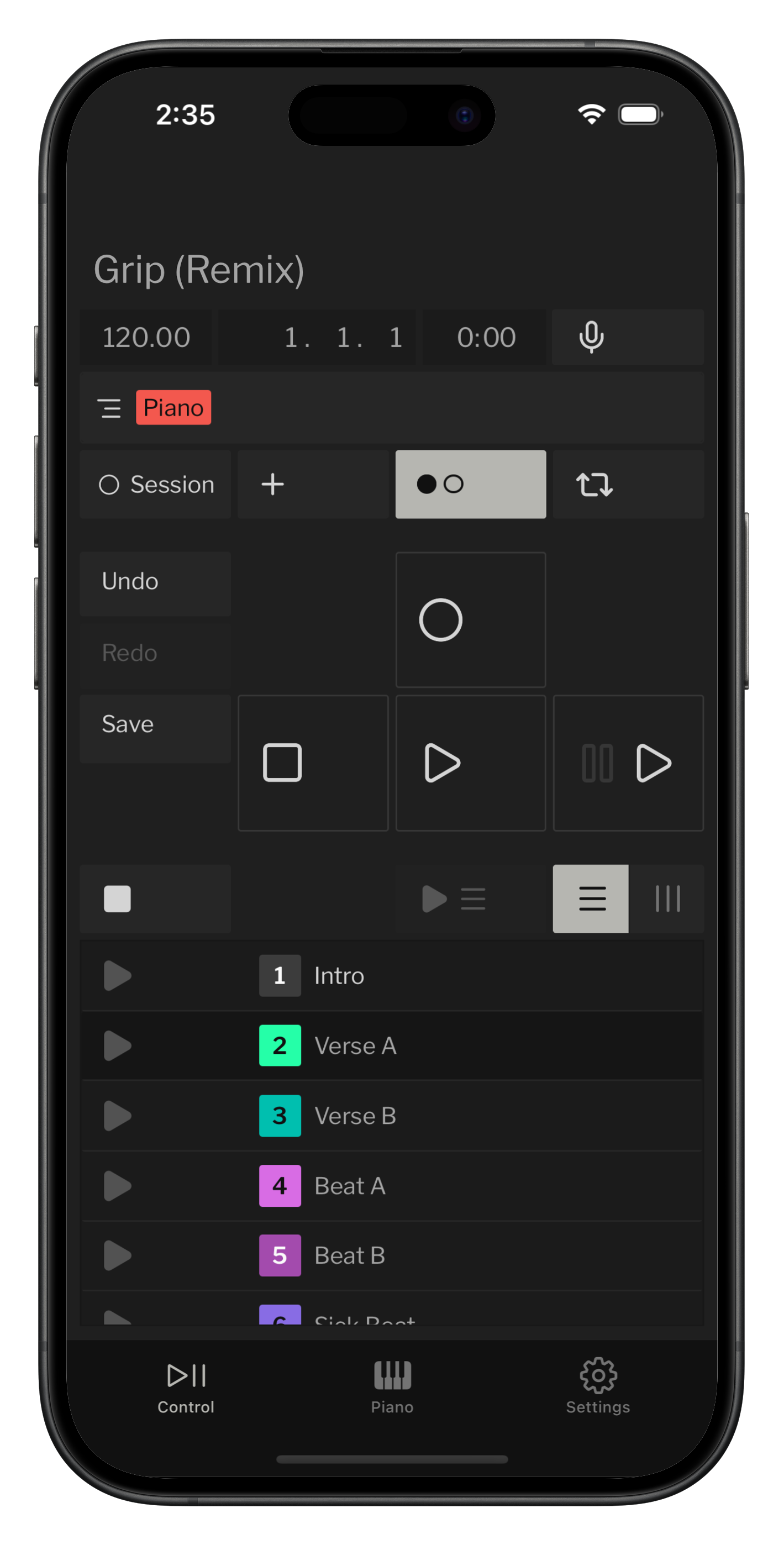
Grip session view

Always know

See which tracks are armed

Undo, redo, and save

Never lose your work, or your mistakes

Voice control

Natural hands-free control of Live

Transport controls

Big and spaced out to prevent accidental taps

Toggle views

Switch between session and arrangement

Launch scenes

Easy access to your scenes
Like an extension of Live

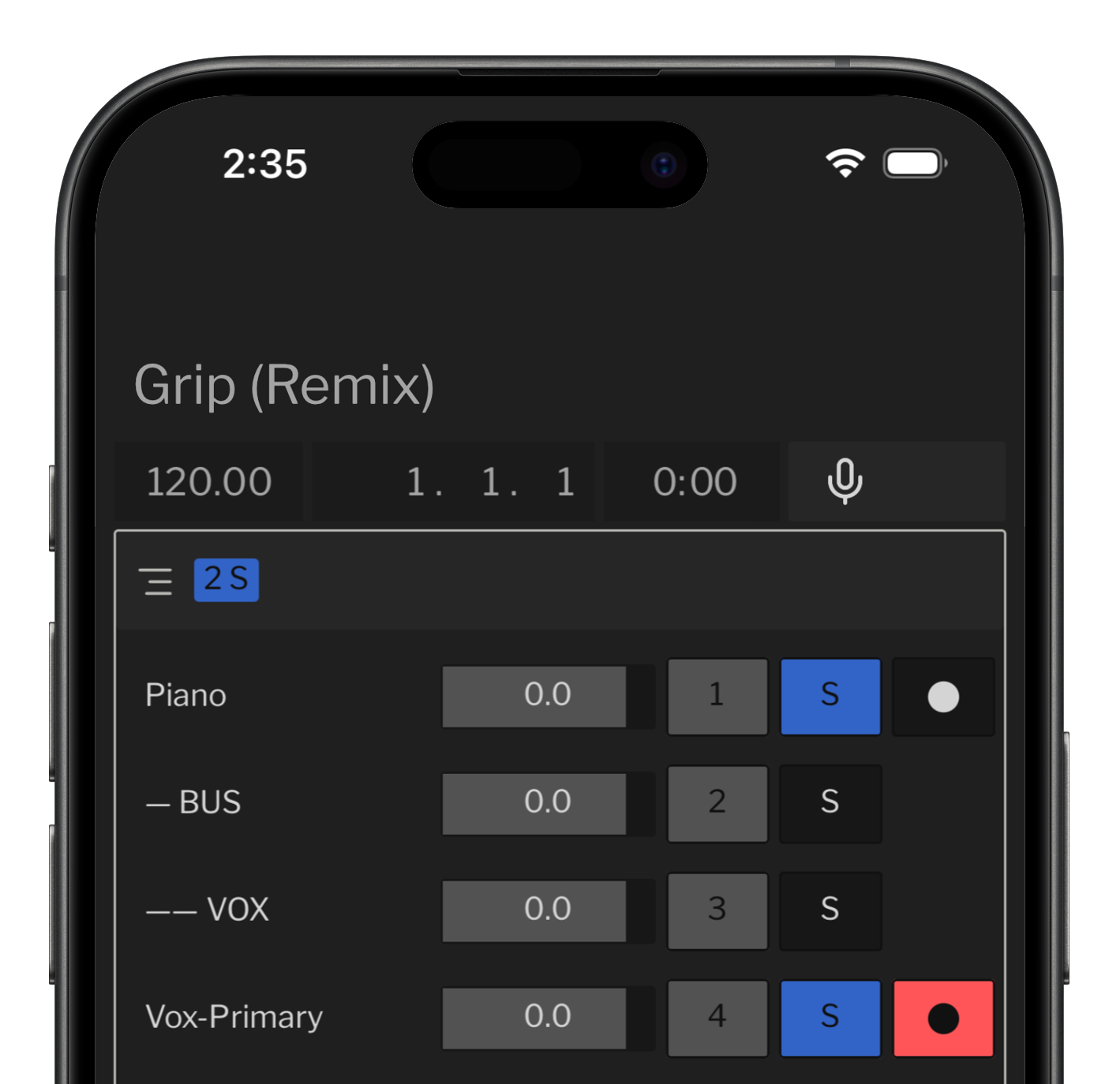
Arm and solo tracks, adjust your mix, and scrub through your arrangement, all from anywhere in your studio.

Grip tracks view

Track list

Instantly control your tracks away from your computer

Track controls

Arm, solo, mute, or mix from your phone
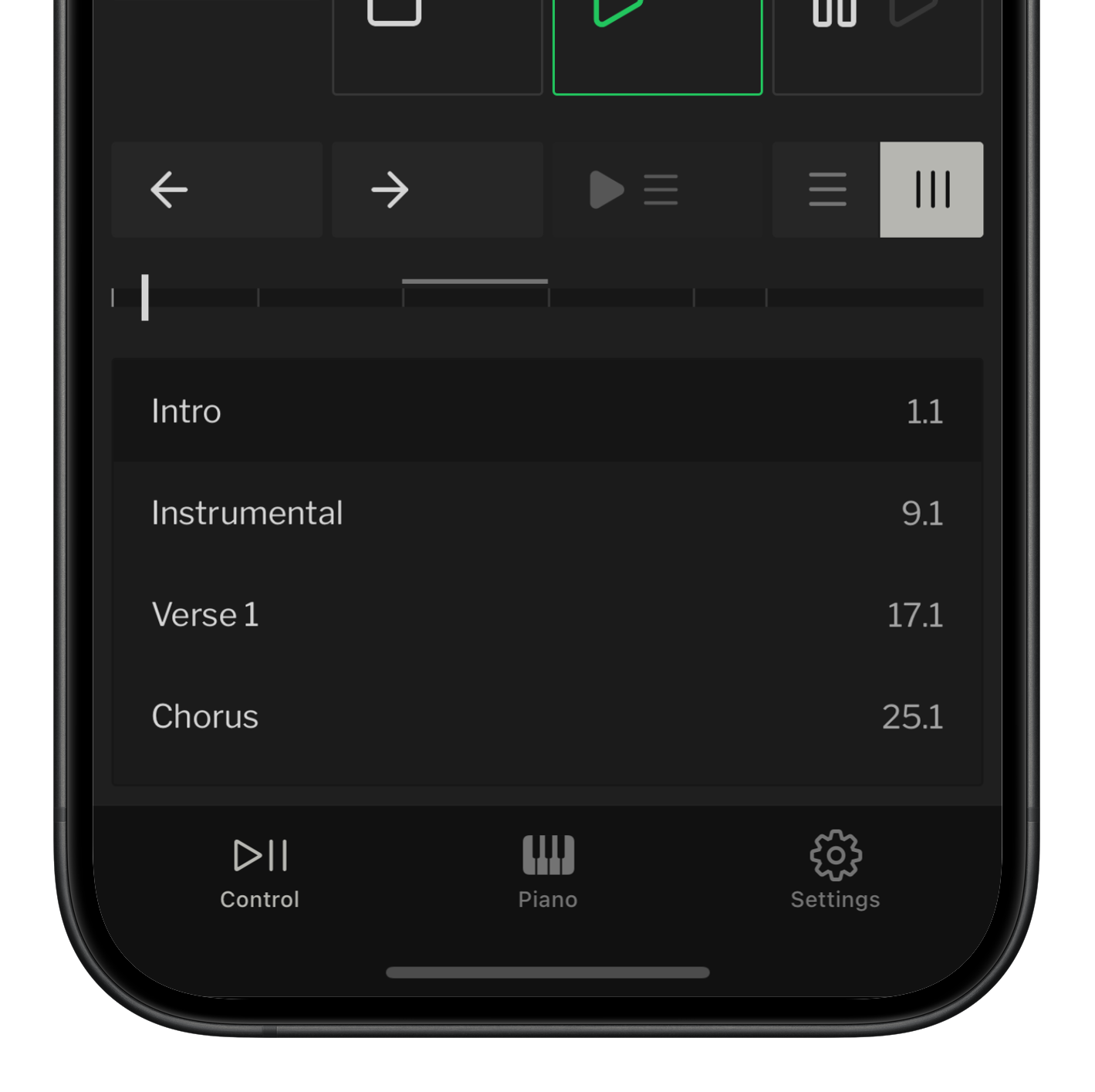
Grip arrangement view

Tap back & forth

Navigate your arrangement

Slide to scrub

Scrub through your arrangement

Tap to jump

Jump anywhere in your arrangement

For instrumentalists and improvisers

Launch and record clips and mix on the fly with a multi-touch mixer.

Grip session grid view

Full control

Expand for undo, redo, metronome, and transport buttons

Quick mix

Control volume, sends, and panning

Mute tracks

Focus on what matters

Record and launch

Multi-touch clip control
You might also like Reflection

Reflection turns any iPhone or iPad into a live chord display that mirrors your DAW in real time over Wi-Fi.

On screens big or small

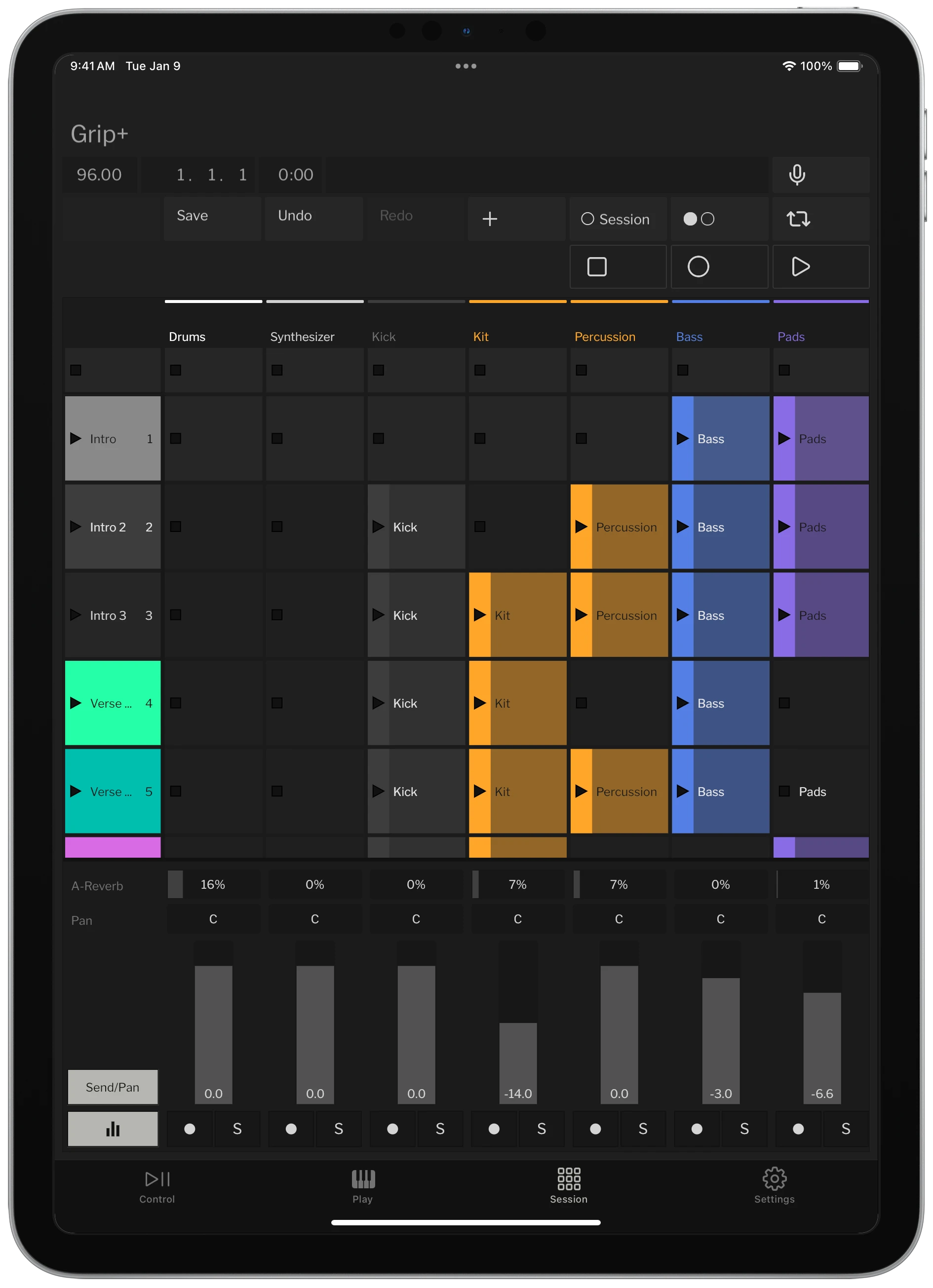
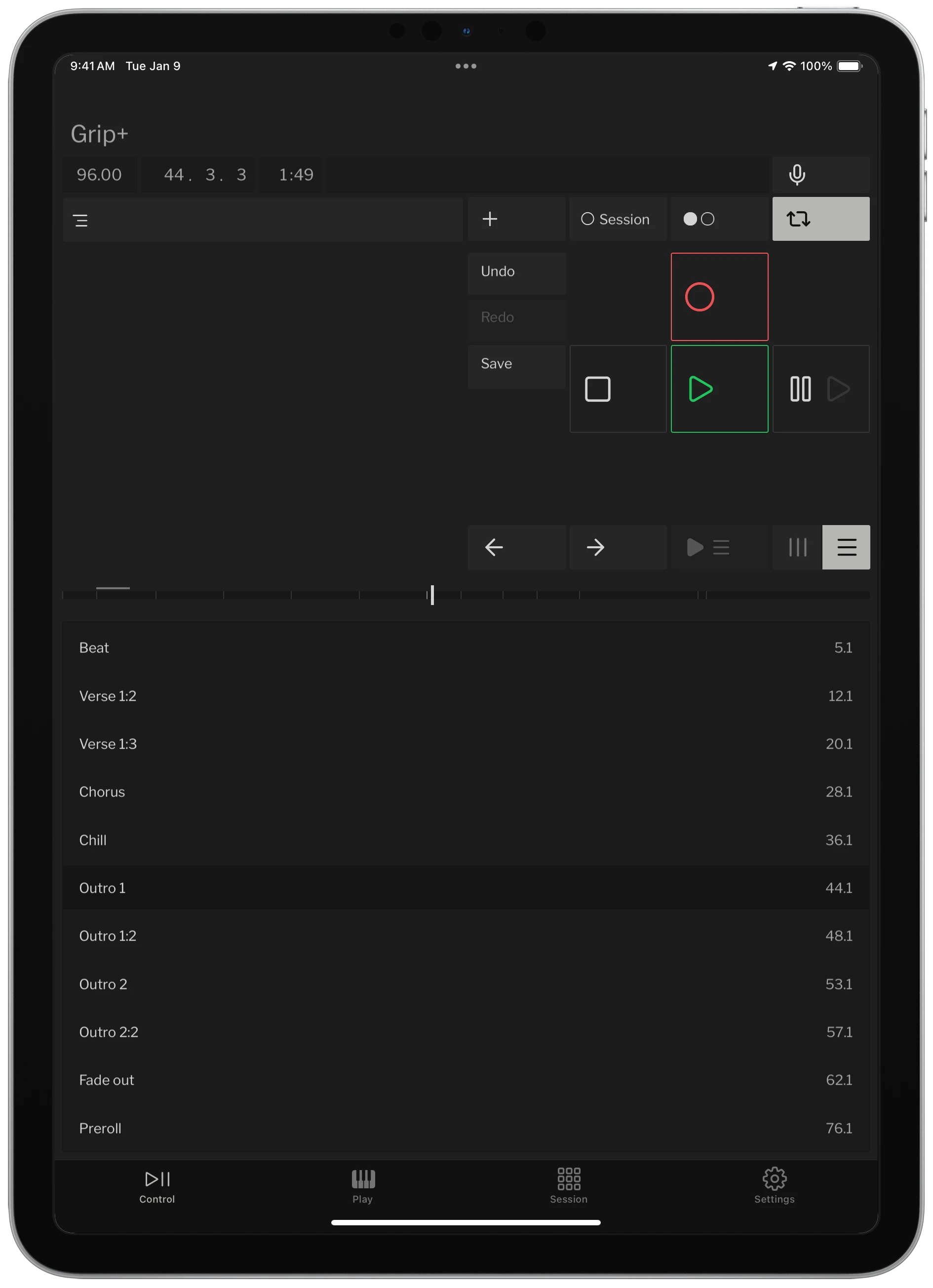
Grip for iPad (or your Android tablet) gives you a bigger canvas, with room for your fingers to work in a way that they just can't with a mouse.

Grip locators view on iPad
Grip mixer view on iPad
Grip tracks view on iPad

Stay up to date on Grip and other upcoming products